Free Invoice Template
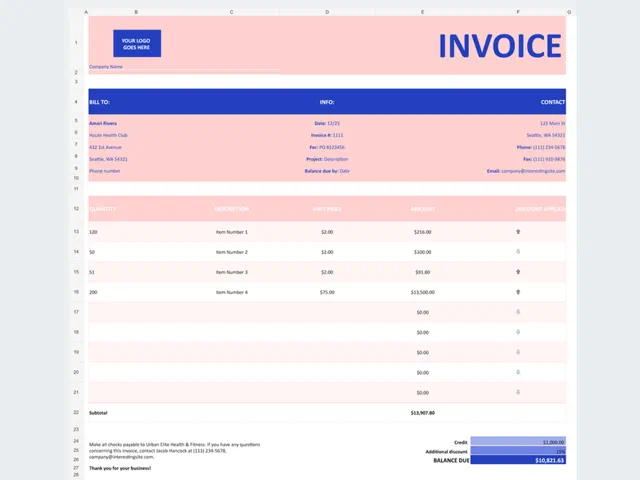
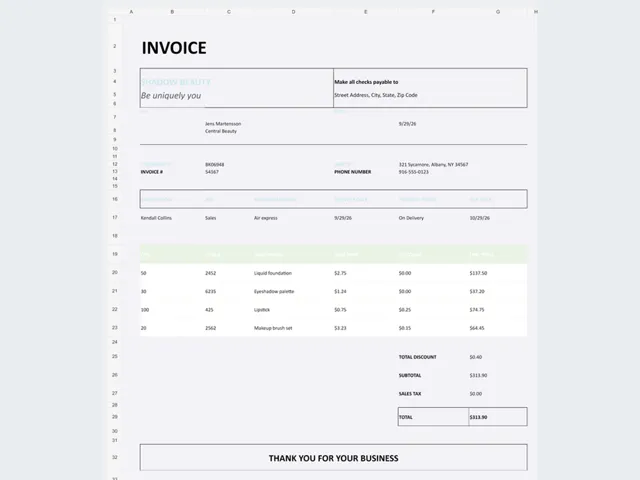
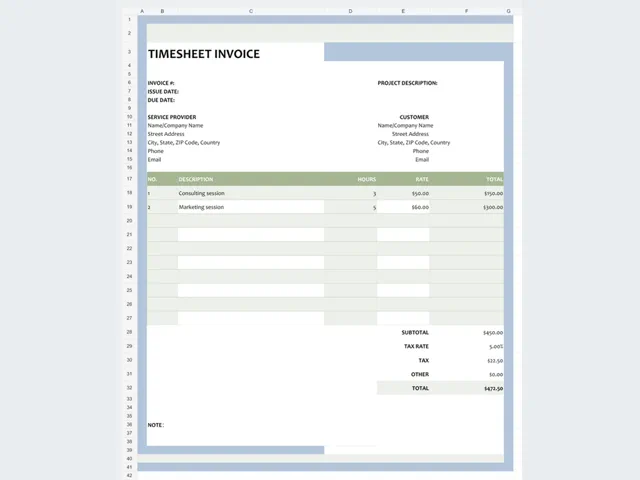
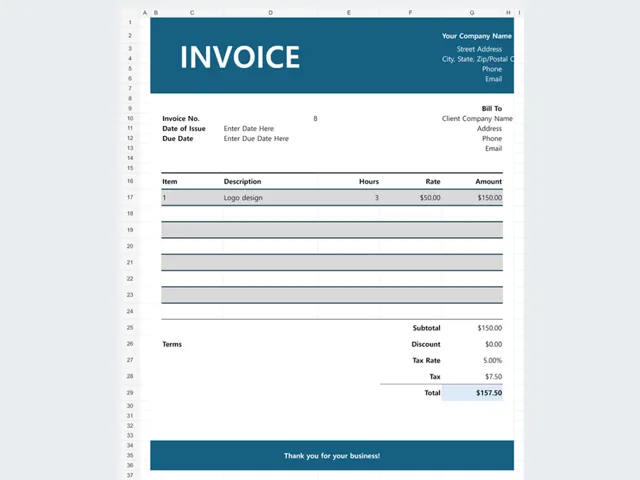
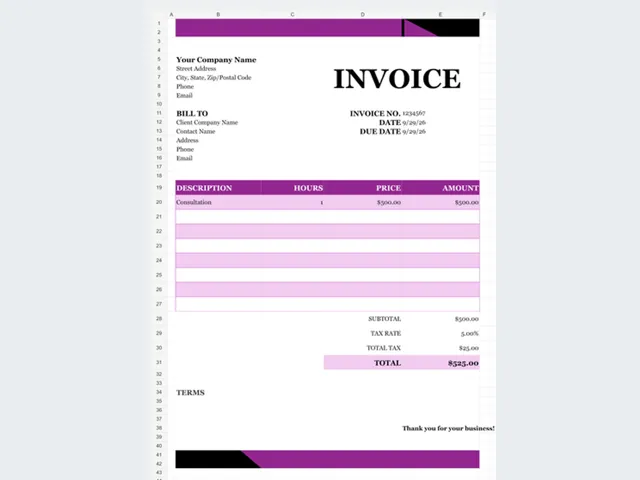
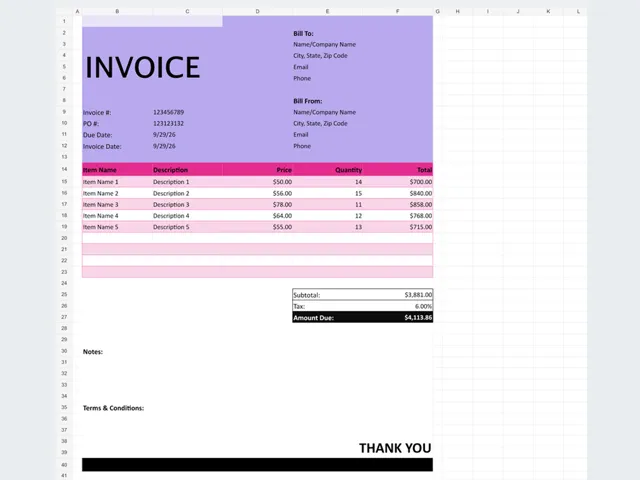
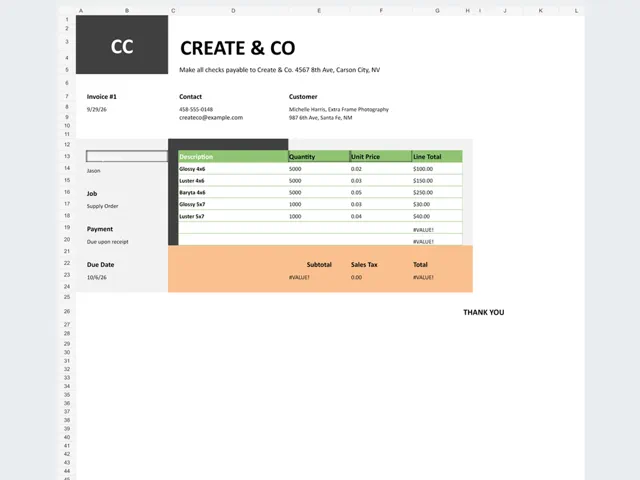
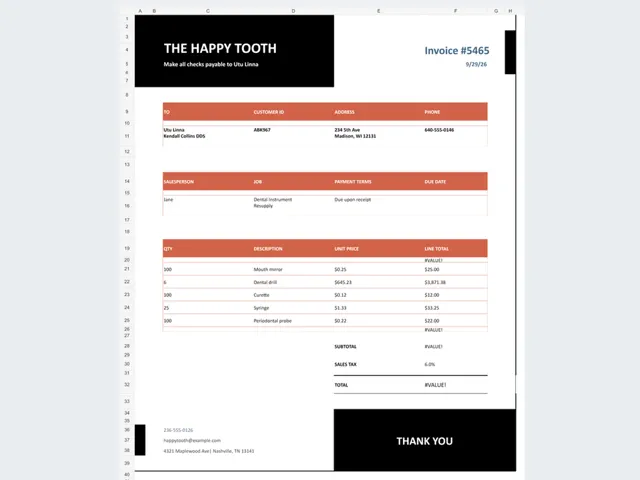
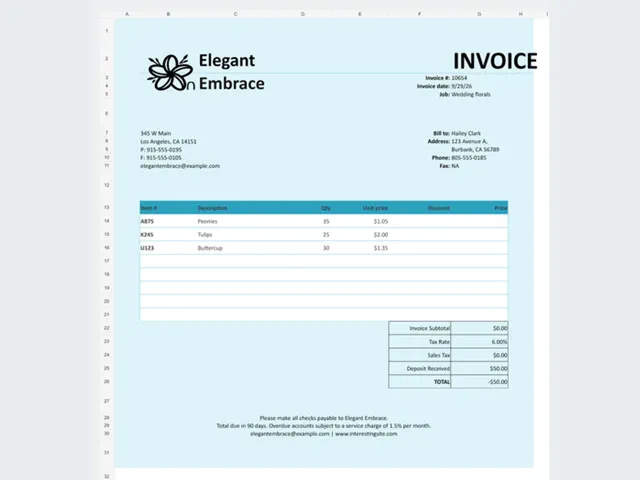
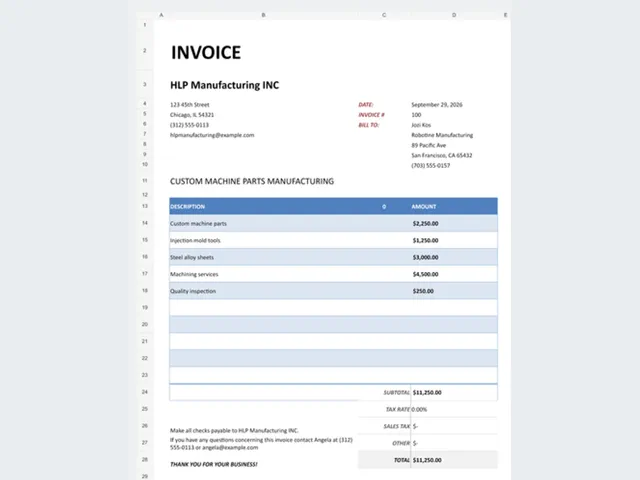
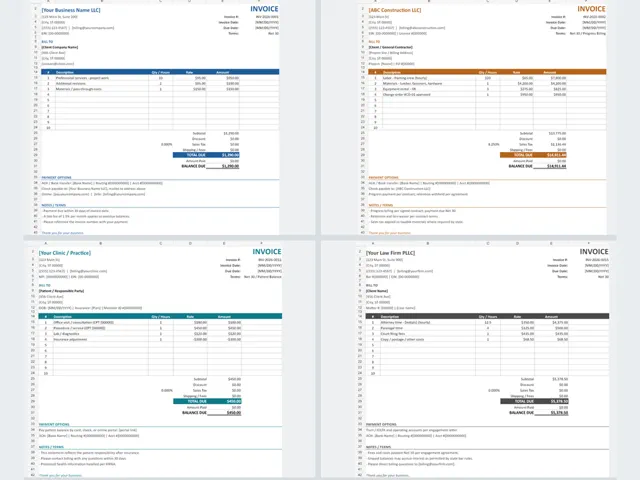
Editable invoice templates for small businesses, freelancers, contractors, consulting, and industry billing. Download the XLSX file, import it into Google Sheets, and replace the sample details with your own.
- Free, no sign-up required
- Downloads work in Excel
- Imports into Google Sheets
11 free downloads
How to use these templates
- Step 1
Download the XLSX file
Pick the invoice layout that fits your business and download it instantly. No account, email, or checkout is required.
- Step 2
Replace the sample fields
Update the company, client, invoice number, line items, tax, and payment terms. Subtotals, tax, deposits, and balance due recalculate automatically.
- Step 3
Import into Google Sheets
Open sheets.new, choose File > Import > Upload, and select the workbook. Insert invoices as tabs or keep one file per customer.
Related free libraries
What every invoice should include
Invoice number and date, your business name and contact details, the customer's billing details, an itemized description of the work, quantities and rates, tax, payment terms, and the amount due.
Match the layout to the work
Service businesses usually want a simple line-item invoice, contractors need labor and materials lines, and creative or trade businesses often prefer an industry-specific layout that already matches their wording.
Keep billing records consistent
Save each invoice as its own file and keep the numbering sequential. If you also track expenses, pair the invoice with the bookkeeping and profit and loss templates so income and costs stay in one place.
Frequently asked questions
Are these invoice templates really free?
Yes. Every file on this page is free to download and use for personal or commercial invoicing. There is no checkout and no hidden paid version.
Do I need an account or an email address?
No. Downloads start directly from the product page and the files open in Excel, Google Sheets, or another spreadsheet app.
Can I use the invoice template in Google Sheets?
Yes. Download the XLSX file and import it into a blank Google Sheet with File > Import > Upload. The formulas carry over with the workbook.