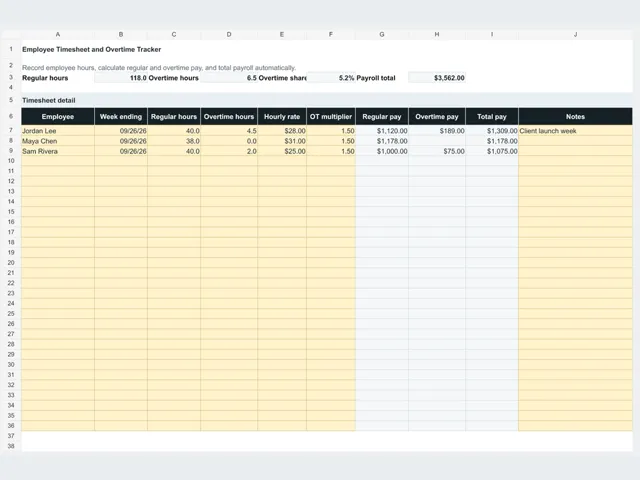
Free Timesheet Template
Record working hours and turn them into payroll totals. The timesheet calculates regular pay, overtime pay, and totals automatically, and the related templates cover billing those same hours to clients.
- Free, no sign-up required
- Downloads work in Excel
- Imports into Google Sheets
5 free downloads
How to use these templates
- Step 1
Download the timesheet
Get the XLSX file instantly. It works in Microsoft Excel and imports into Google Sheets in three steps.
- Step 2
Enter hours and rates
Add regular hours, overtime hours, and each employee's rate. Overtime pay and total pay calculate from the multiplier you set.
- Step 3
Total the pay period
Review regular hours, overtime hours, overtime share, and the payroll total before running payroll or billing the hours to a client.
Related free libraries
Track hours and bill them
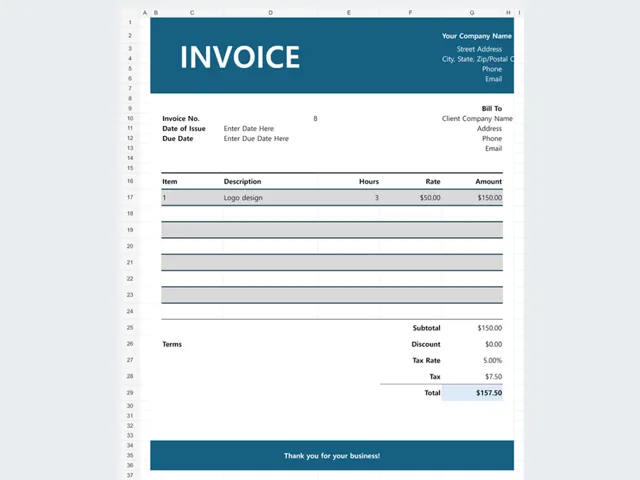
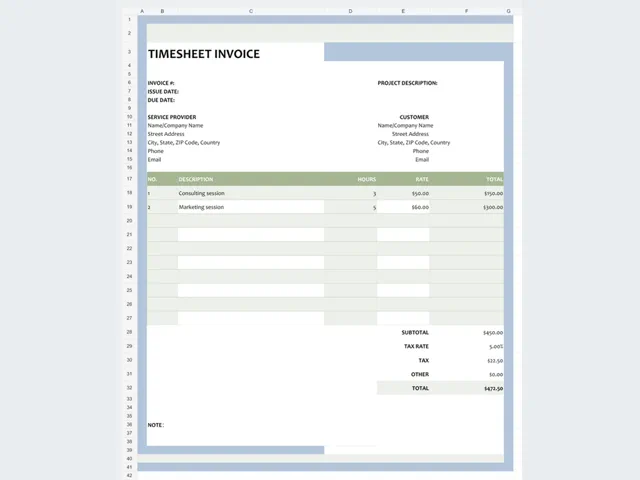
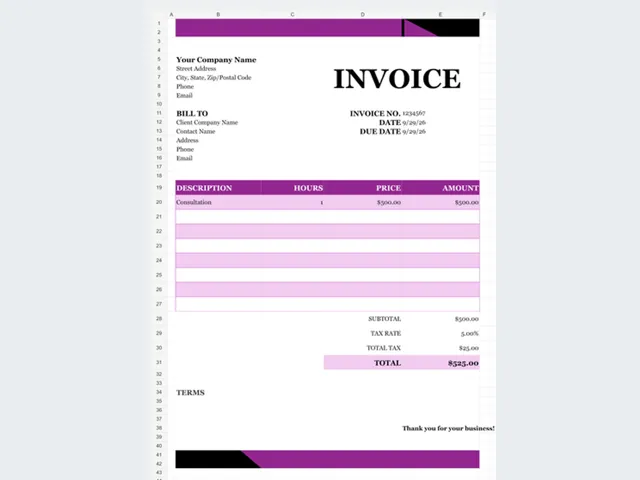
Use the timesheet for payroll totals, then move the same hours into a freelancer, contractor, or consulting invoice when the work is billed to a client.
Handle overtime correctly
The workbook applies an overtime multiplier you control, so the calculation follows your local rule instead of a fixed rate baked into the file.
Keep the pay period consistent
Save one file per week or pay period and keep a copy of the totals. Consistent periods make payroll review and client billing much easier.
Frequently asked questions
Does the timesheet calculate overtime pay?
Yes. Enter regular hours, overtime hours, the hourly rate, and the overtime multiplier, and the workbook calculates regular pay, overtime pay, and total pay.
Can I use the timesheet in Google Sheets?
Yes. Download the XLSX file and import it into Google Sheets with File > Import > Upload. The formulas transfer with the workbook.
Is the timesheet free?
Yes. The download is free and does not require an account, email address, or payment details.